AwayEZNotepad
簡單、快速、本機優先的筆記軟體(Windows / macOS / Linux),Google Drive 同步測試中
AwayEZNotepad 2 是 awEZNotepad 的全新版本,以 Rust 重寫成原生桌面程式,支援 Windows、macOS(Apple Silicon / Intel)與 Linux。
主要功能
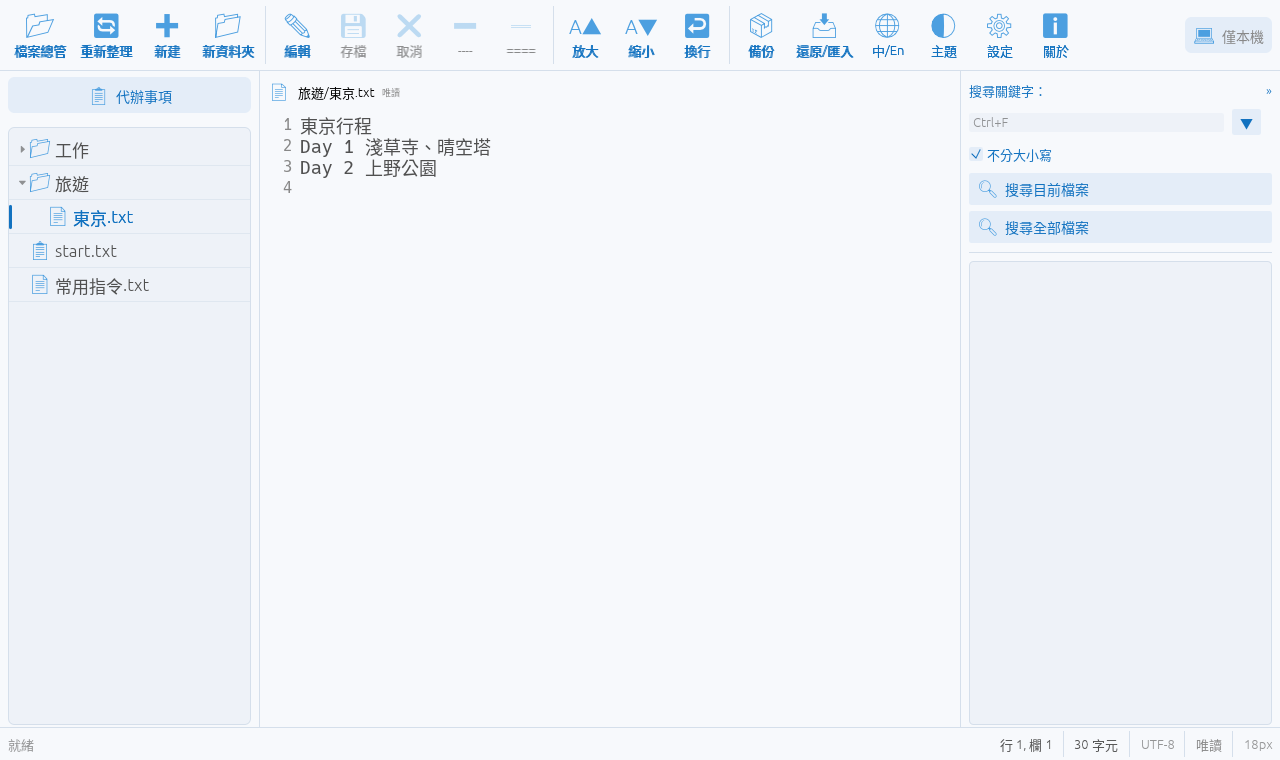
- 樹狀筆記清單:新增、開啟、更名、搬移、刪除(進資源回收筒)
- 唯讀 / 編輯模式、存檔 / 取消、自動換行、放大縮小、行號、插入分隔線
- 全文搜尋:目前檔案或全部檔案、大小寫選項、點擊結果直接定位
- 代辦事項(start.txt),啟動時自動開啟
- ZIP 備份與還原;可匯入舊版 awEZNotepad 的資料(不會修改原資料)
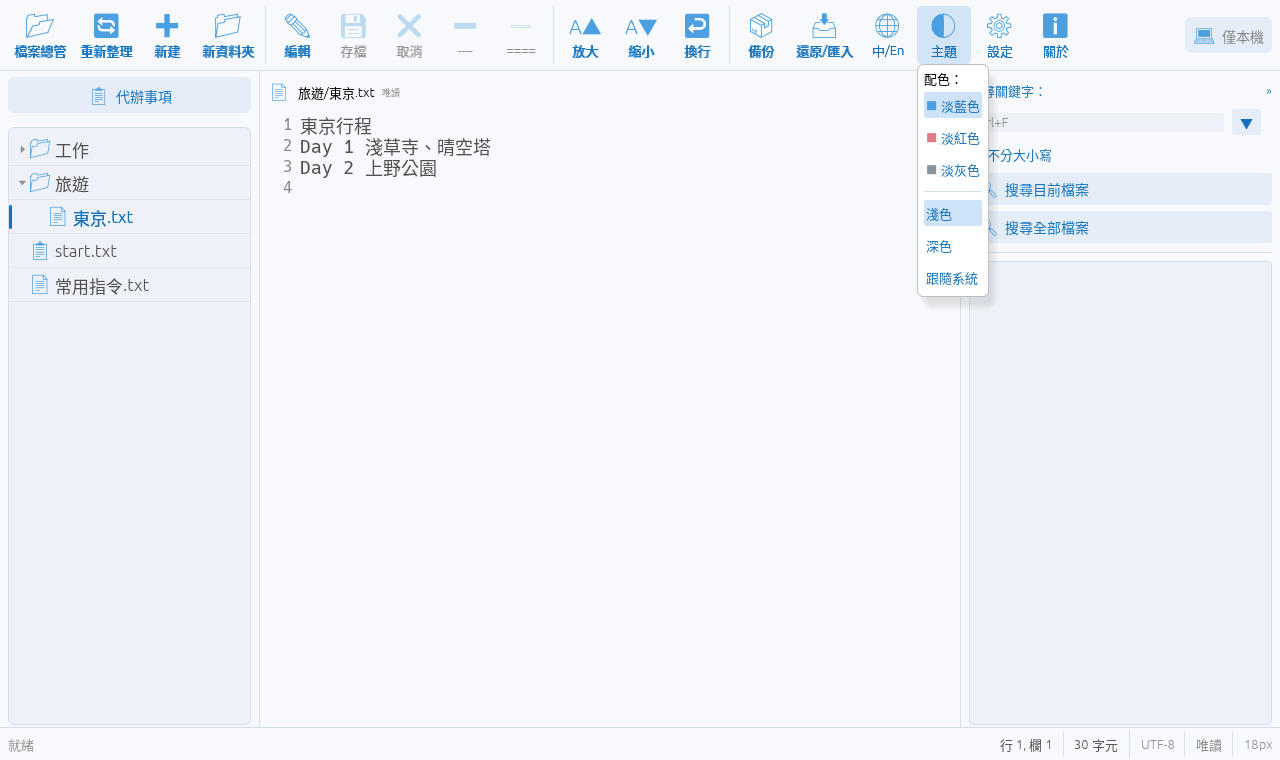
- 淡藍 / 淡紅 / 淡灰三種配色、淺色 / 深色、繁體中文 / English
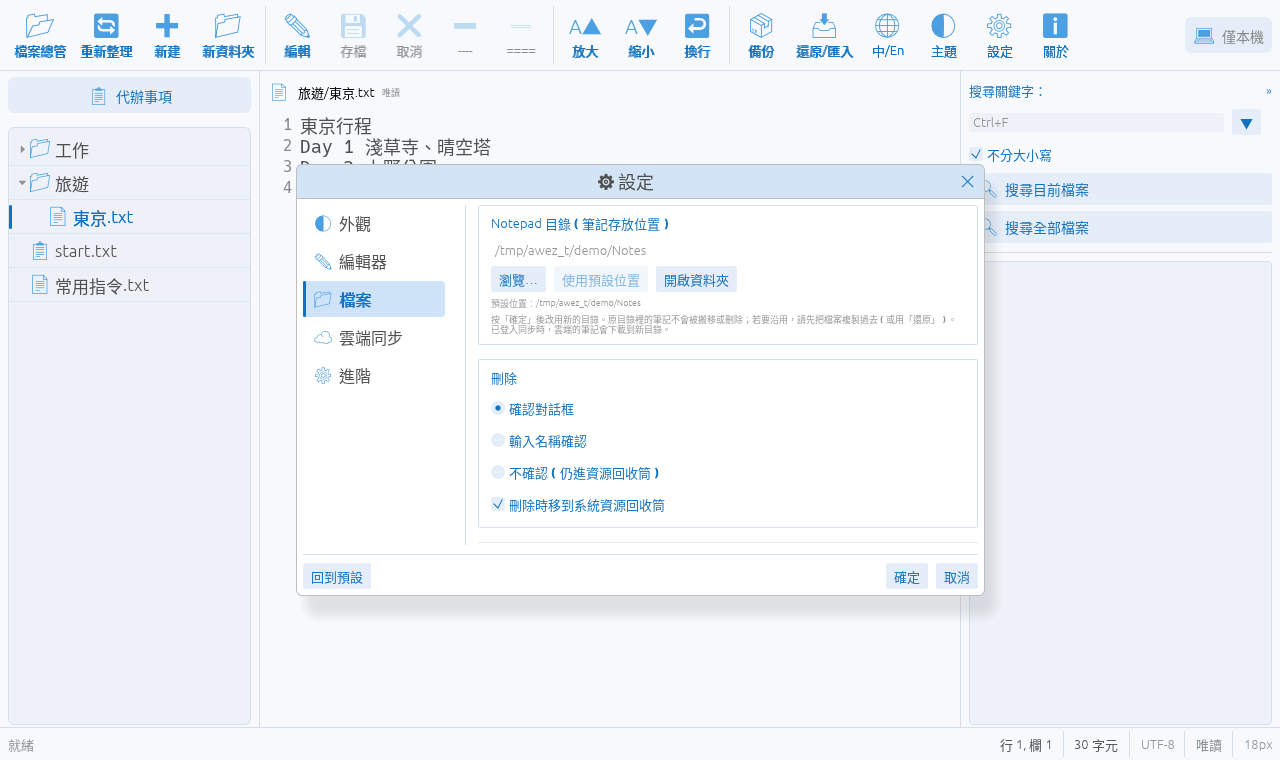
- 可自訂 Notepad 目錄(筆記存放位置)
Google Drive 同步(選用,測試中)
- 目前版本尚未內建 Google 登入用的 Client ID:需在「設定 → 進階」填入自己的 Google OAuth Client ID 才能啟用,之後的版本會直接內建
- 不登入也能完整使用;登入後透過你自己的 Google Drive 在多台電腦間雙向同步
- 離線可編輯,恢復網路後自動上傳
- 兩台電腦同時修改不會互相覆蓋:兩份都保留,並提供比較與合併
- 只使用最小權限 drive.file,登入憑證存在系統的憑證儲存區;沒有任何自建伺服器
安裝
- Windows:下載安裝檔(不需系統管理員權限)或可攜版 zip
- macOS:下載 DMG,拖到「應用程式」(已通過 Apple 公證)
- Linux:Ubuntu / Debian 用 .deb,Fedora / openSUSE 用 .rpm,或解壓 .tar.gz(需 glibc 2.39 以上,例如 Ubuntu 24.04)
Click to download
Download nowWindows Installer (.exe)
Downloads91
The installer is signed with a self-signed certificate rather than a commercial certificate issued by a Microsoft-recognized certificate authority (CA). Windows SmartScreen may therefore display a security warning. This warning mainly appears because Windows cannot verify the publisher through a trusted certificate chain; it does not mean that the installer has been identified as a virus or malicious software. If you trust the source of the installer, select “More info → Run anyway” to continue. If you still have security concerns, you can download the source code, review it, and compile the program yourself.
| Number | Title | Status | Date Posted | Date Updated |
|---|---|---|---|---|
| No issue reports yet. | ||||
Page 1 of 1 · 0 total